All projects

Chrome extension

Auto Continue

Keeps YouTube and YouTube Music playing. No more "Video paused. Continue watching?"

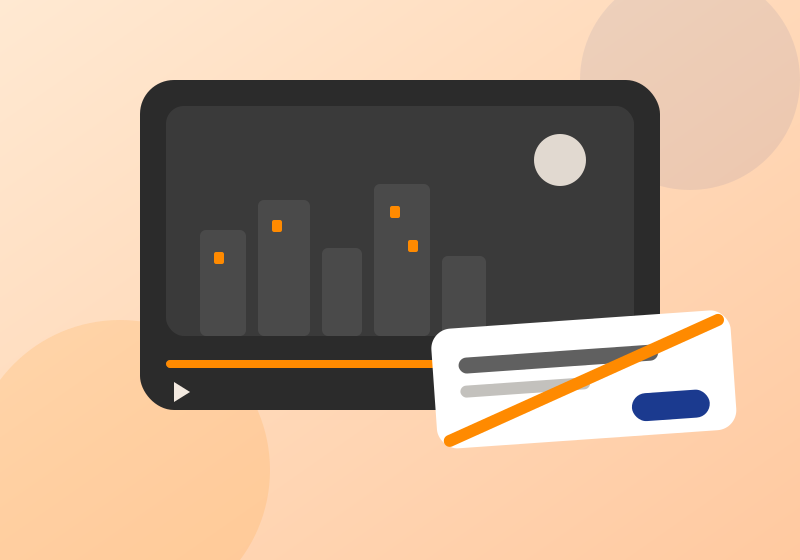
Illustration of a dark video player still playing at the end of a long mix, with the Continue watching prompt crossed out in orange

About the extension

YouTube pauses your video and asks "Video paused. Continue watching?" when it thinks you walked away. That kills a 3 hour lofi mix, a sleep playlist or a movie on the TV.

Auto Continue stops YouTube from marking you as idle, so the popup usually never shows. If it slips through anyway, it clicks Yes and resumes playback. Install it and forget it.

Support

It's not working.
Refresh the YouTube tab once after installing. The extension only loads on pages opened after it was installed.
Will it un-pause videos I paused myself?
No. It only resumes playback after YouTube's idle prompt.
Does it work on YouTube Music?
Yes.
Found a bug?
Email bhandariatt@gmail.com or use the Support tab on the Chrome Web Store page. Say what you were playing and what happened.

Privacy policy

Last updated · October 8, 2026

Auto Continue Watching for YouTube does not collect, store, send or share any personal data or browsing information.

It runs only on youtube.com and music.youtube.com, entirely inside your browser. It makes no network requests of its own, uses no analytics, and has no accounts or settings to store.

It does not sell data, does not use or transfer data for purposes unrelated to its single purpose, and does not use data to determine creditworthiness or for lending.

If this policy changes, the new version will be posted on this page with a new date. Questions: bhandariatt@gmail.com.